


The Static Electric Trap: How Relocating Your Hand Grinder Prevents Messy Office Desk Coffee Spills
The friction of grinding dry coffee beans builds up a subtle electrical charge, turning your grind catch bin into a magnet for stray particles. If you grind directly over synthetic desk mats, laptop fans, or heavy electronics, that static energy pulls grounds out of the cup and onto your workspace. Instead, move your grinding station away from high-static electronics. Pairing a smart grinding spot with a streamlined setup like the

Pneumatic - Ultra
$299.00
Shop Now →Escaping the Static Electric Trap at Your Office Desk
During my early days launching ViBrew, I spent months testing gear while working out of tiny van setups and crowded office desks. I quickly learned that avoiding static mess comes down to environment and simple tactical adjustments.
1. The Ross Droplet Technique (RDT)
Add a single drop of water to your whole beans before grinding. This tiny bit of moisture neutralizes the charge inside the grind chamber instantly, stopping chaff from flying when you detach the catch cup.2. Shift Your Grinding Zone
Monitors and plastic desk accessories amplify static charge. Relocate your hand grinder to a wooden side table, breakroom counter, or dedicated tray away from your computer.If you want to avoid manual grinding mess altogether on busy workdays, consider an all-in-one portable unit like the
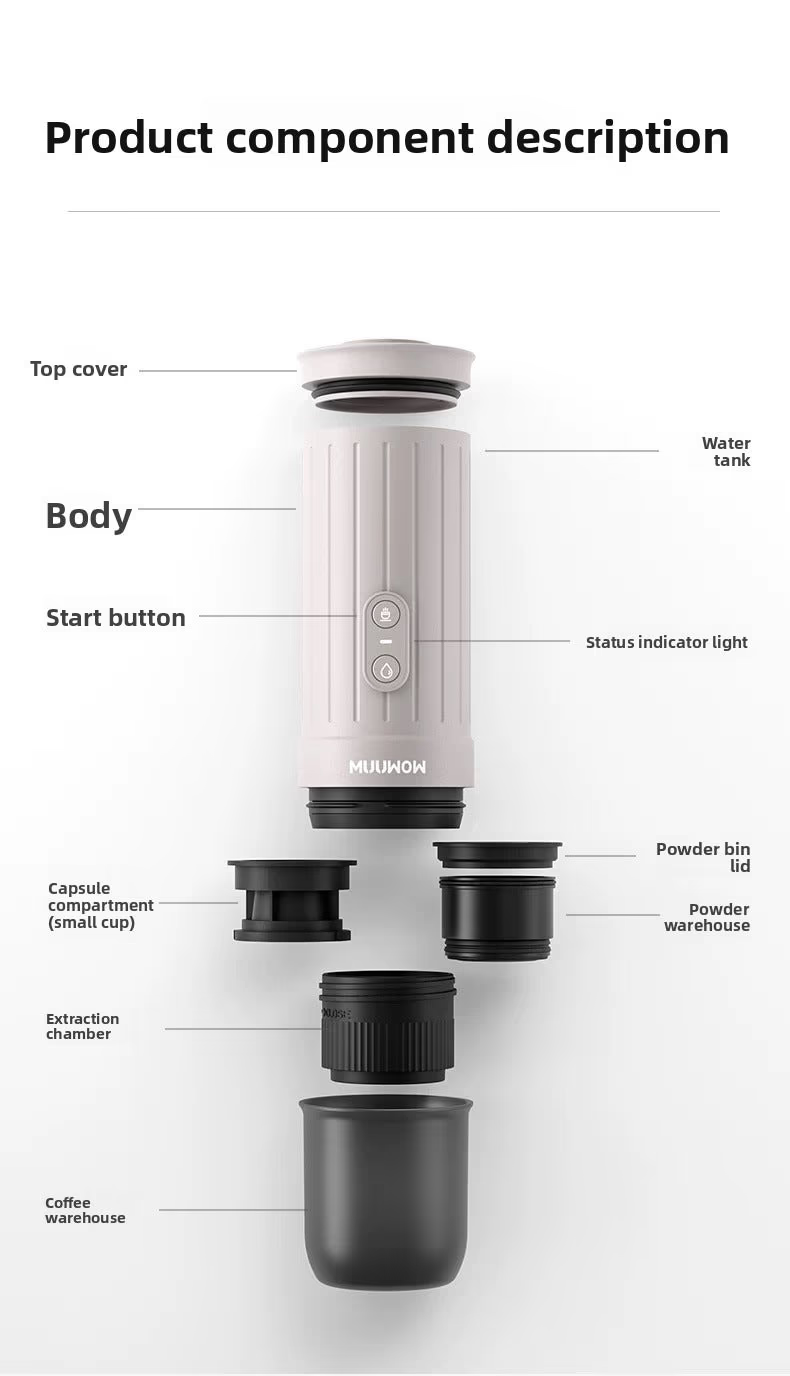
Nomads - Ember
$159.00
Shop Now →Upgrade Your Workday Coffee Ritual
By recognizing the static electric trap and relocating your hand grinder away from your electronic setup, you can eliminate annoying desk cleanups for good. A clean workspace paired with great manual espresso makes every office coffee break feel like a true adventure.
Got questions? Want to chat about your perfect espresso setup?